 Ebooks General
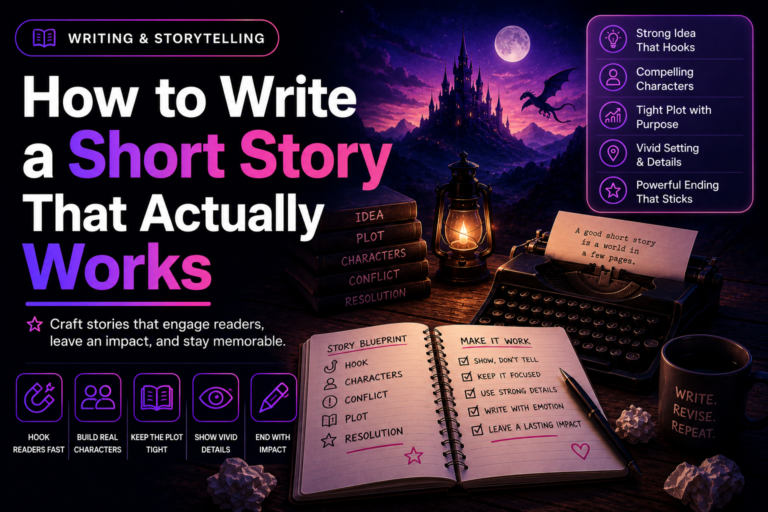
 How to Write a Short Story That Actually Works
Learn how to write a short story with a focused idea, a small cast, and an ending that…
From a topic to a KDP-ready ebook — cover, metadata, audiobook and translation included — without hiring a designer, editor or narrator.
Describe your topic and AI plans the outline, groups it into Parts, and writes every chapter for you. Then it designs the cover, generates KDP-ready titles & keywords, narrates it into an audiobook, translates it into another language, and exports to PDF, EPUB & Word — one tool, the whole publishing pipeline, not just a first draft.
Writing a manuscript is the easy part — most people finish a draft in a weekend. What stops them is everything after: a cover that looks homemade, KDP metadata Amazon's own search can't find, no audiobook edition while readers increasingly listen instead of read, no translated edition to reach other markets, and no way to tell what's actually missing before hitting publish. That usually means stitching together three or four separate subscriptions — a design tool, a narration service, a translator — or just publishing something incomplete and hoping it sells anyway.
One subscription instead of four — Ebookerr replaces the writing tool, the design tool, the narration service and the translator with a single AI publishing suite.
Let AI draft every chapter for you. Give it a topic or outline and it writes clean, ready-to-use content — then expand, shorten or rewrite any passage by simply selecting it. Works with OpenAI, Anthropic, Google Gemini, Mistral, DeepSeek or xAI — use your own key with any of them.
This isn't a one-line-at-a-time assistant — describe your topic and Ebookerr plans a complete chapter outline, automatically groups longer books into Parts, then writes every chapter in order with full continuity from start to finish, all dropped straight into the editor. Edit, add, or reorder any headline or Part first if you want full control.
Generate a professional cover — or any inline chapter image — from a short description. Choose Google Gemini or OpenAI's gpt-image-1 and gpt-image-2 (its newest model, with built-in reasoning for sharper detail and far more reliable text on the page).
From Midnight starfields to Art Deco Noir, Rose Gold to Cyberpunk Neon — 50 templates on every plan, plus 50 more exclusive to Pro for 100 total, each with its own font pairing, decorated cover, chapter styling and accent colors. Or keep it clean with the classic default.
A powerful rich-text editor for every chapter — plus 5 stunning highlight boxes (Tip, Warning, Key Point, Note and Quote Spotlight) to make important passages pop off the page.
Already have a manuscript? Import your .docx file directly into the editor — Heading 1 (and Part) styles are detected automatically and turned into chapters, ready to design and export.
Generate ranked, KDP-ready title, subtitle and description options plus Amazon category and keyword suggestions — each scored with a Visibility Score so you know exactly which one to pick, straight from your book's actual content.
Turn any chapter into narration with natural AI voices — preview a voice, see the exact cost before you commit, then narrate. Every finished chapter is saved with a waveform player, ready to download.
Translate your finished book into another language, chapter by chapter, into a brand-new book — your original is never touched. Choose from 50+ languages or type your own.
One screen that checks whether your manuscript, cover, metadata and audiobook are actually ready — so nothing gets forgotten before you hit publish.
Export your complete ebook as a beautifully formatted PDF, EPUB, or Word (.docx) file with a single click. No third-party services or uploading required.
Preview your ebook exactly as readers will see it — with your cover, table of contents, and all chapters styled beautifully.
Ebookerr automatically generates a professional table of contents from your chapter titles — no extra configuration needed.
Reorder chapters — and group them into Part dividers — with a simple drag handle. Build your ebook structure in seconds, then rearrange with zero friction.
Create as many ebooks as you want. No per-ebook charges, no limits on chapters or pages.
Your ebooks are yours. No cloud syncing, no data sharing — your content stays under your control.
No learning curve. No tutorials required. Create, write, package, publish.
Click "New Ebook," give it a title, and start adding chapters — or import an existing Word document and let Ebookerr turn it into chapters automatically. Upload a cover or generate one with AI, pick a designer template from the 100 available with Pro, and drag and drop to reorder chapters anytime.
Let the AI Writing Assistant draft every chapter — give it a topic or an outline and insert the result straight into your editor. Select any passage to expand, shorten or rewrite it, and generate AI images for the cover or inline chapter art as you go.
Generate KDP-ready titles & keywords with Metadata AI, narrate chapters into an audiobook, translate the book into another language — then run the Publishing Prep checklist to confirm nothing's missing before you go live.
Preview your finished ebook in a beautiful, reader-ready format — complete with cover page and auto-generated table of contents. Export to PDF, EPUB and Word, and your professional ebook is ready to sell, share, or distribute.
Canva, Designrr and Google Docs can format a chapter. None of them will get you a KDP-ready listing, an audiobook, or a translated edition — Ebookerr does all three without leaving the editor.
Stop guessing your Amazon listing. Get several ranked title, subtitle and description options plus KDP category and keyword suggestions — each with a Visibility Score — generated straight from your book's own content.
Audiobooks are one of the fastest-growing formats on Amazon — narrate any chapter with natural AI voices, preview the voice and see the exact cost before you spend a cent.
One book, many markets. Translate your finished ebook into 50+ languages, chapter by chapter, into a brand-new edition — your original stays untouched.
You don't need design experience or a writing background — just a topic and a few minutes.
Go from idea to a fully structured, designed manuscript without wrestling with formatting or layout software.
Turn your expertise into a lead magnet or paid guide — a polished ebook builds authority faster than a blog post. Narrate it into an audiobook and reach people who'd rather listen.
Produce opt-in guides, product ebooks and reports on a deadline, without hiring a designer for every one.
Repurpose existing articles into a cohesive, sellable ebook — import your Word draft and design it in minutes.
Build course companions, workbooks and handouts with a consistent, professional look every time.
Produce multiple titles without a production team — generate KDP metadata with Metadata AI, translate a title into new markets, and export straight to PDF, EPUB or Word for any platform.
Lite writes and designs the book. Pro adds the AI tools that get it discovered, heard, and sold in more markets. Cancel anytime.
Everything in Lite, plus the full AI publishing suite
Not happy? Email us within 30 days of purchase for a full, no-questions-asked refund. Zero risk.
Practical strategies and tutorials to help you create, market, and sell ebooks successfully.
Ebooks General Learn how to write a short story with a focused idea, a small cast, and an ending that…
 Ebooks General
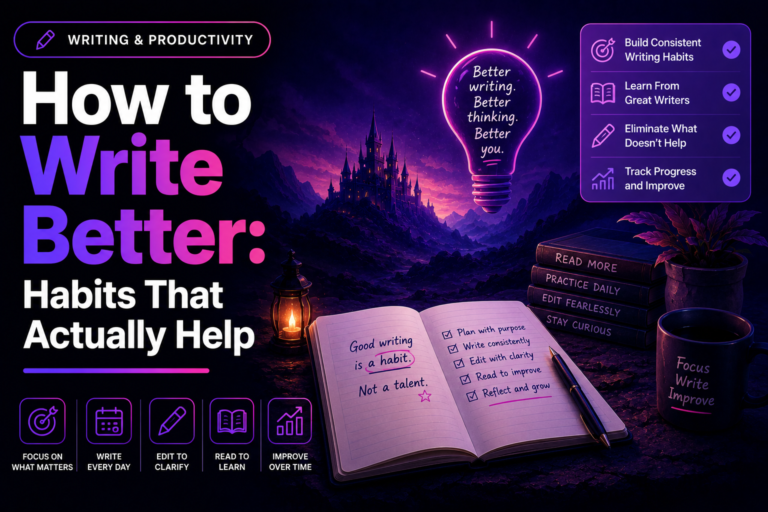
 Practical habits for how to write better, from consistent practice and active reading to disciplined revision and honest…
 Ebooks General
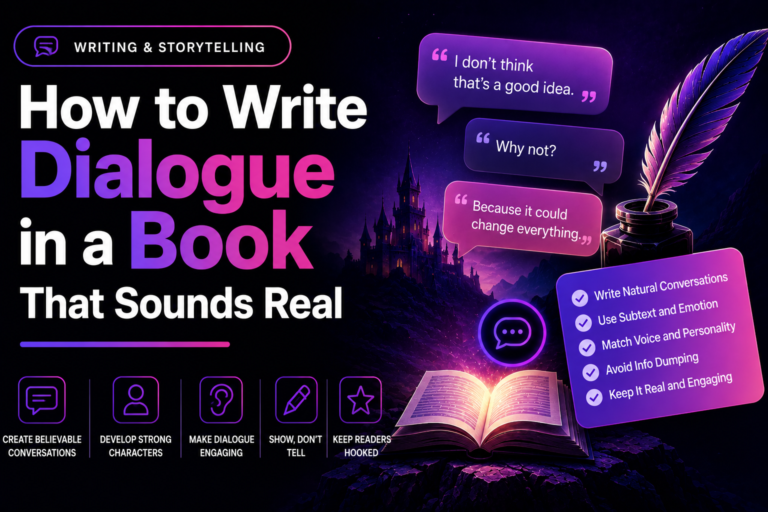
 Learn how to write dialogue in a book that sounds natural, with distinct character voices, subtext, and action…
One subscription, the whole pipeline — export to PDF, EPUB & Word. Cancel anytime. Start free, upgrade when you're ready.
