⚡ Quick Answer
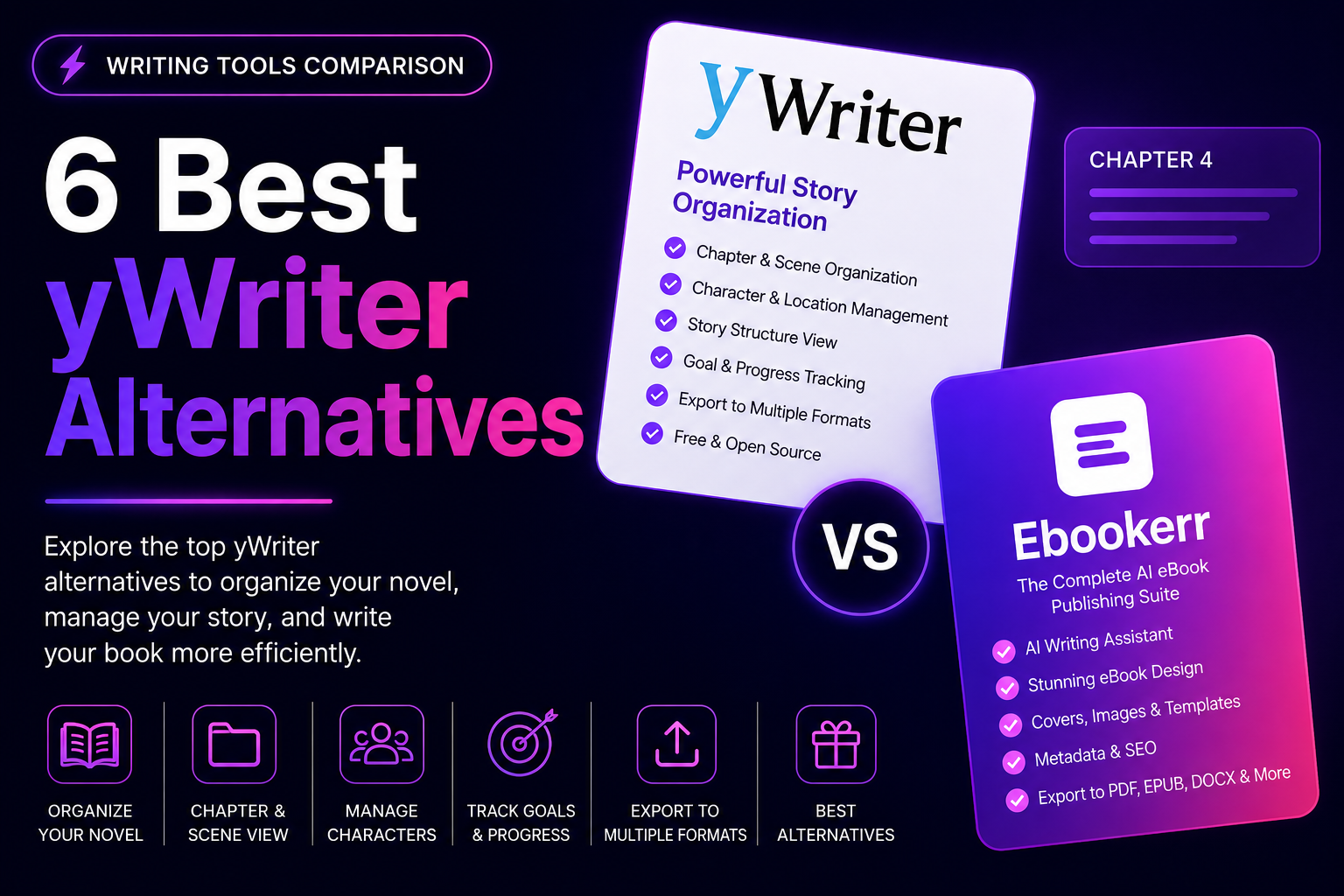
The best yWriter alternatives depend on what’s actually needed beyond free scene organization: Ebookerr fits authors who want guided, store-ready ebook formatting once a manuscript is finished, Manuskript offers a similarly free, open-source drafting experience with a more modern interface, and Scrivener suits authors willing to pay for significantly deeper organizational tools. yWriter remains a genuinely useful, free tool for scene-based novel organization, but its dated interface and limited platform support send some authors toward these six yWriter alternatives instead.
Weighing the available yWriter alternatives usually comes down to whether the priority is a more modern free tool, deeper paid organizational features, or proper formatting once the manuscript is done. This guide covers six tools worth comparing, how each differs from yWriter, and which situation fits each one best.
Why Look for a yWriter Alternative
yWriter built its following through being genuinely free and functional for scene-based novel organization, tracking characters, locations, and story chronology without any cost. For budget-conscious Windows authors, it remains a solid starting point.
The friction shows up in yWriter’s dated interface, which many authors find less approachable than newer tools, along with its limited support for Mac and Linux users. Others simply want proper formatting and export features built into the same tool, which yWriter’s organization-focused design doesn’t prioritize. Both reasons are common enough that searching for yWriter alternatives comes up regularly.
What to Look for in a yWriter Alternative
The first question worth asking is whether the goal is a similarly free drafting tool with a more modern interface, or something entirely different, like proper ebook formatting once the manuscript is finished.
For drafting and organization, interface quality and cross-platform support matter more than they did for yWriter’s Windows-focused, free model. For formatting, output quality and how directly a tool exports to Amazon KDP matter more than any drafting feature.
The 6 Best yWriter Alternatives in 2026
The six tools below split between more modern free or paid drafting tools and the formatting step yWriter’s organization-focused design doesn’t address.
1. Ebookerr
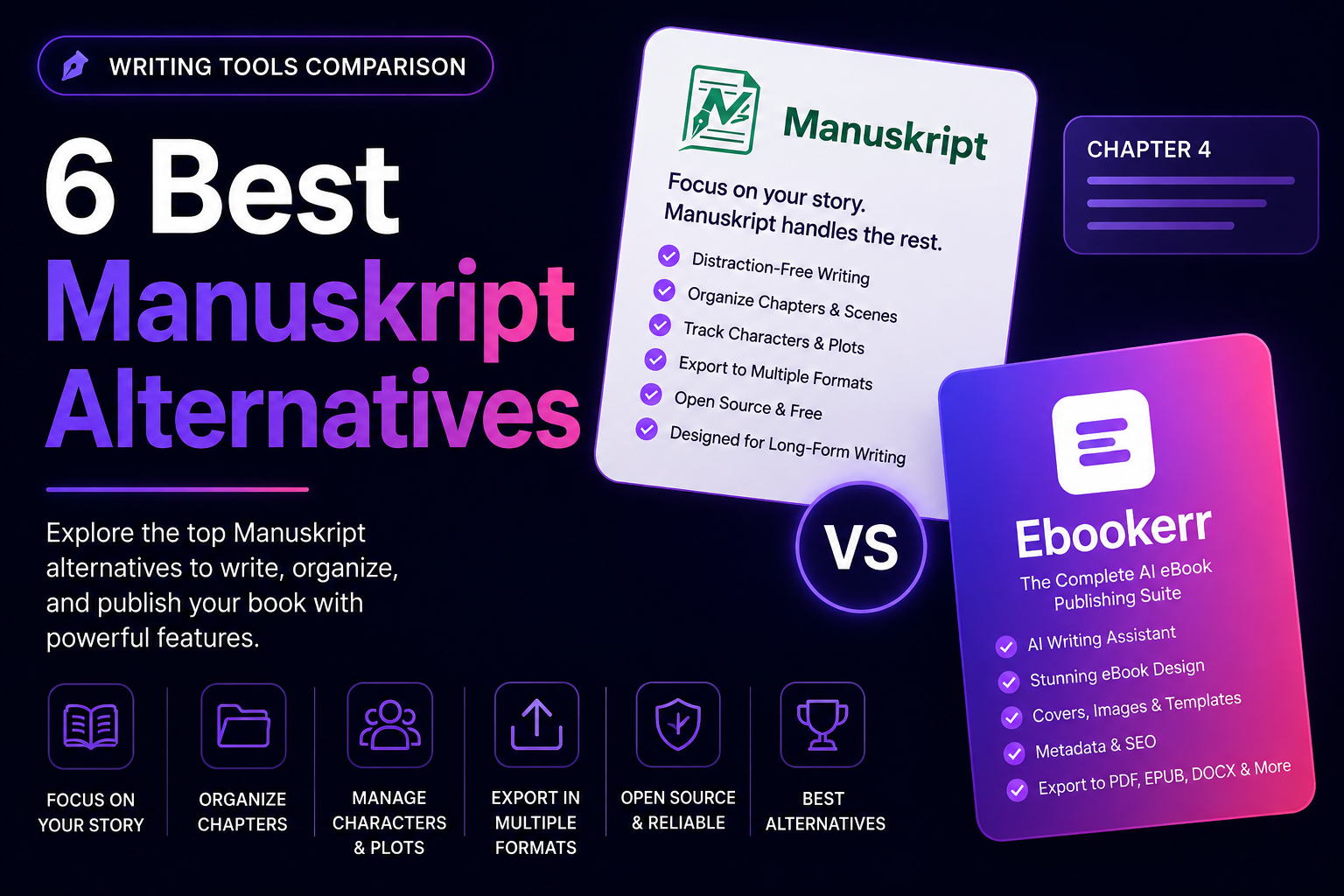
Ebookerr, at ebookerr.com, addresses the formatting gap yWriter leaves open, turning a finished manuscript into a properly structured, store-ready PDF, EPUB, and Word (Kindle-ready EPUB) file through a guided, browser-based process. It also includes its own AI writing tools for drafting from scratch, and a free tier lets a first ebook get created without payment details.
2. Manuskript
Manuskript is a free, open-source alternative offering outlining and organizational tools with a more modern interface than yWriter, while remaining similarly free of cost. Its cross-platform support covers Windows, Mac, and Linux more evenly.
For authors who liked yWriter’s free model but wanted a fresher interface and broader platform support, Manuskript is often the closest match.
3. Scrivener
Scrivener offers considerably deeper organizational tools than yWriter, at the cost of a one-time purchase and a steeper learning curve, running on both Windows and Mac. For authors working on complex, research-heavy projects, this added depth can be worth the price.
The Scrivener alternatives guide covers more tools in this same drafting-focused category.
4. Dabble
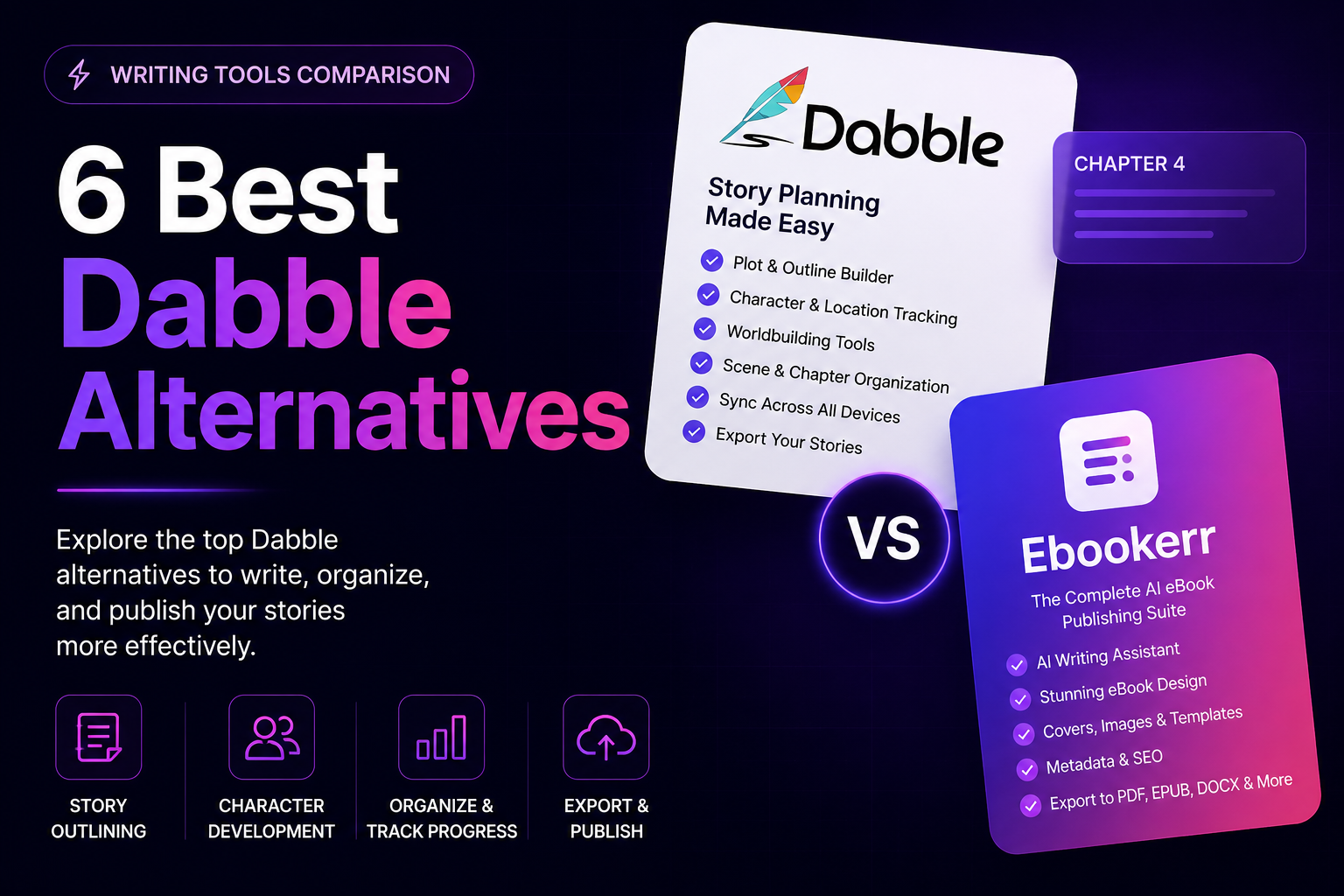
Dabble focuses specifically on novel writing with a cleaner, more approachable interface than yWriter, including plot and character organization tools with a modern, browser-based design. Its subscription pricing contrasts with yWriter’s fully free model.
For authors willing to pay for a more polished experience than yWriter’s dated interface, Dabble offers a meaningful upgrade.
5. Novlr
Novlr is a browser-based writing tool built specifically for novelists, offering a clean interface and cross-platform access beyond yWriter’s Windows focus. Its subscription includes built-in goal tracking and a more streamlined drafting experience.
Authors who want to write from any device without installing software may prefer Novlr’s browser-based approach over yWriter’s desktop installation.
6. Reedsy Studio
Reedsy Studio combines drafting with free, built-in formatting and export, addressing both sides of what yWriter and a separate formatting tool would otherwise require. Its browser-based access works on any platform.
For authors who want both writing organization and formatting handled by one free tool, Reedsy Studio consolidates what yWriter leaves as two separate steps.
Pricing at a Glance
yWriter’s fully free pricing sets a low bar that Manuskript, Reedsy Studio, and Ebookerr’s free tier all match or come close to.
Scrivener follows a one-time-purchase model above yWriter’s free price, while Dabble and Novlr both use subscription pricing for their more polished, cross-platform interfaces. The right choice often comes down to how much the added polish or formatting depth is actually worth paying for.
Drafting Tools vs. Formatting Tools
It’s worth being clear about which job actually needs solving before picking a yWriter alternative, since the software for each is quite different. Manuskript, Scrivener, Dabble, and Novlr all address the drafting and organizing side of writing a book.
Ebookerr and Reedsy Studio address the opposite end of the process, taking an already-drafted manuscript and turning it into a store-ready ebook. Picking a tool built for the wrong half of the process is the most common reason a yWriter alternative search ends in frustration.
Switching from yWriter to One of These Alternatives
Moving a manuscript away from yWriter is generally straightforward, since it exports standard text formats that import cleanly into most other tools.
Authors moving to Manuskript, Dabble, or Novlr for drafting are typically after a more modern interface or cross-platform support, while those moving to Ebookerr or Reedsy Studio are after proper formatting once the writing is done. The scene-based organizational structure built inside yWriter generally doesn’t transfer automatically and needs to be rebuilt in the new tool.
Common Mistakes When Picking a yWriter Alternative
The most common mistake is picking a formatting-focused tool like Ebookerr when the actual frustration was with yWriter’s drafting interface, or vice versa. These solve different problems, and confusing them leads to disappointment regardless of which alternative gets chosen.
Another frequent misstep is paying for a subscription tool like Dabble or Novlr without first checking whether a free alternative like Manuskript already solves the actual complaint about yWriter’s interface.
What yWriter Still Does Well
It’s worth giving credit where it’s due before writing yWriter off entirely. Its scene-based approach to organizing a novel, breaking chapters into individual scenes with metadata like point of view, location, and status, remains a genuinely useful way to think about structuring a long manuscript.
For an author who just wants that organizational concept without paying anything, and who doesn’t mind a less polished interface, yWriter still delivers on its core promise reliably, even years after its interface last saw a major visual update.
Who Should Stick With yWriter
yWriter remains a solid choice for budget-conscious Windows authors who want free, scene-based organization and don’t mind its dated interface. Its zero cost is hard to beat for occasional or first-time drafting projects.
The yWriter alternatives above matter most for authors on Mac or Linux, those who want a more modern interface, or anyone whose main need is formatting rather than organization.
Frequently Asked Questions
What is the best free yWriter alternative with a modern interface?
Manuskript offers similarly free, open-source organization with a more modern look and broader platform support.
Which yWriter alternative is best for formatting an ebook?
Ebookerr, since it’s built specifically for turning a finished manuscript into a store-ready PDF, EPUB, and Word (Kindle-ready EPUB) file.
Is there a paid yWriter alternative worth the upgrade?
Scrivener and Dabble both offer more polish and features than yWriter’s free interface, for authors willing to pay for it.
Can a yWriter manuscript be moved to one of these alternatives?
Yes, generally. Exporting as a standard text format allows the written content to transfer, though organizational structure doesn’t carry over automatically.
Final Thoughts
yWriter remains a solid, free choice for Windows-based authors who want scene-based drafting organization, but the six yWriter alternatives above cover everything from more modern free tools to proper ebook formatting. Authors mainly needing the formatting step will generally find Ebookerr the more direct fit, while writers wanting a fresher drafting interface can weigh Manuskript, Dabble, or Novlr. The Scrivener alternatives guide covers the broader category for anyone still comparing options. Read the full yWriter review for more detail.