⚡ Quick Answer
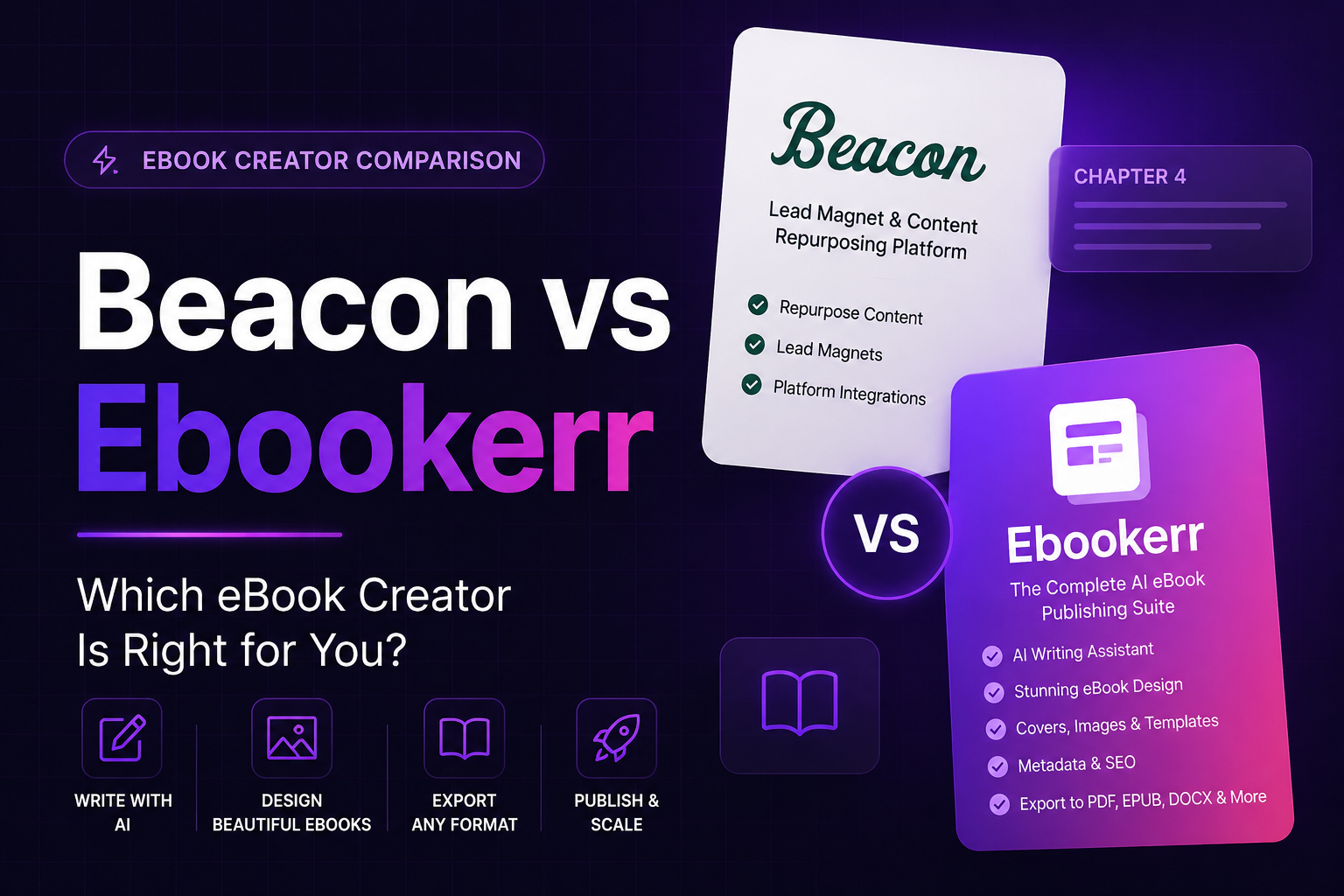
Beacon vs Ebookerr is a comparison between a free lead-magnet tool built for marketers and a dedicated ebook creation platform built for authors. Beacon focuses on turning blog content into simple, free PDF ebooks for email list building, while Ebookerr focuses on producing proper, reflowable PDF, EPUB, and Word (Kindle-ready EPUB) files for authors publishing to real ebook stores. A marketer building a quick opt-in freebie fits Beacon well; an author publishing a book for sale generally needs Ebookerr’s store-ready export instead.
Beacon built its reputation as one of the simplest free tools for turning existing blog posts into a downloadable ebook, mostly for email marketing purposes. Whether that same tool is the right choice for an actual book meant to be sold on Amazon or Apple Books is a different question entirely, and this guide compares both platforms directly to answer it.
Neither platform is a poor choice on its own terms, since both do a genuinely good job at the specific kind of document each was built around. The real question is matching the tool to the actual goal, a free lead magnet or a properly formatted, sellable book, rather than assuming one platform covers both equally well.
What Is Beacon?
Beacon is a free, browser-based tool built around converting existing content, typically blog posts, into a simple, formatted PDF ebook, primarily aimed at marketers who want a lead magnet to grow an email list.
Its workflow imports content, applies a straightforward template, and exports a PDF, without the more advanced manuscript management or store-specific formatting features that a dedicated ebook publishing platform offers. Its free pricing model has made it a popular first stop for marketers who need a quick, no-cost lead magnet rather than a polished, sellable book.
What Is Ebookerr?
Ebookerr, at ebookerr.com, is built around a different goal entirely: helping authors turn a manuscript into a properly formatted, store-ready ebook with native PDF, EPUB, and Word export, rather than a simple PDF lead magnet. It also includes its own AI writing tools, letting an author generate a complete draft from a topic rather than only formatting existing text.
The platform guides an author through chapter structure, cover design, and export settings specific to Amazon KDP, Apple Books, and Kobo, producing a file ready to upload without a separate conversion step. A free tier lets authors create their first ebooks without providing payment details, similar in spirit to Beacon’s free access but aimed at a different end product.
Beacon vs Ebookerr: Output Format
The core technical difference in the Beacon vs Ebookerr comparison is the same one that separates most marketing-focused tools from dedicated ebook platforms: what file format actually comes out.
Beacon’s output is PDF, a fixed-layout format that works fine for a short lead magnet read on a screen but doesn’t reflow the way a true ebook format does across different devices and font sizes. Ebookerr’s export is EPUB, the reflowable format that adjusts automatically to screen size and reader preference, and the format Amazon, Apple Books, and Kobo all expect for a title actually listed for sale.
Beacon vs Ebookerr: Content Source
How each tool expects content to arrive shapes the whole experience of using it, and this is one of the clearest differences between the two.
Beacon is built around repurposing content that already exists, typically blog posts, meaning the writing itself was usually created for a different medium and format originally. Ebookerr assumes an author is writing directly for the book or importing a complete, purpose-written manuscript, which tends to produce more cohesive long-form content than material originally structured as separate, shorter blog posts.
Beacon vs Ebookerr: Depth of Features
Feature depth differs substantially between the two, largely because they’re solving problems of very different scope.
Beacon keeps its feature set intentionally simple, matching its role as a fast, free tool for a straightforward lead magnet rather than a full publishing platform. Ebookerr includes more book-specific functionality, chapter organization, cover design tools, and store-compliant export settings, reflecting the more involved process of preparing a full manuscript for sale on a major ebook retailer.
Who Beacon Fits Best
Beacon serves a specific, narrower purpose well, and it’s worth being direct about exactly where that fit applies.
Marketers and bloggers who already have published content and want to quickly repurpose it into a free downloadable PDF for email list building get real value from Beacon’s simple, no-cost workflow. Anyone whose end goal is purely a lead magnet, rather than a book intended for sale through an ebook store, is squarely within what Beacon was designed to produce.
Who Ebookerr Fits Best
Ebookerr is built for authors with a different goal: a complete, sellable ebook rather than a repurposed marketing PDF.
Self-published authors publishing fiction or nonfiction to Kindle, Apple Books, or Kobo need proper EPUB output with working chapter navigation, exactly what Ebookerr’s export process produces automatically. Authors without design or technical experience also benefit from its guided, template-based workflow, since it removes the need to manually rebuild a PDF-style export into a real ebook format afterward.
Pricing: Beacon vs Ebookerr
Both tools offer free access, though what that free tier actually unlocks differs based on each platform’s underlying goal.
Beacon’s free model reflects its position as a lightweight lead-magnet tool, with limited need for a paid tier given the simplicity of what it produces. Ebookerr’s free tier is scoped specifically around creating a first ebooks with proper PDF, EPUB, and Word export, giving authors a way to test genuinely publication-ready output before considering a paid plan for additional needs. Checking each platform’s current offering directly is worth doing, since free-tier terms can shift over time.
Switching from Beacon to Ebookerr
Authors who start with Beacon for a quick lead magnet and later decide to expand that content into a full, sellable book aren’t locked into Beacon’s PDF-only output.
Taking the underlying written content out of a Beacon-built document and expanding it inside Ebookerr’s editor allows the material to grow into a properly structured, chapter-based manuscript formatted for real ebook stores rather than staying limited to a short PDF format. This is a natural next step for anyone whose free lead magnet performed well and who wants to turn that same topic into a full, sellable ebook. It’s a common pattern in this specific corner of self-publishing: start small with a Beacon-built freebie to gauge interest, then invest the extra formatting effort once the topic proves it has an audience worth writing a full book for.
Design Flexibility
Customization depth is another point worth weighing directly in the Beacon vs Ebookerr comparison, since it affects how distinctive a finished document can look.
Beacon’s templates are intentionally simple and limited in customization, which keeps the tool fast and easy to use but means finished documents can look similar to others built from the same template. Ebookerr allows more customization specifically around cover design and chapter styling, while keeping the underlying EPUB structure clean, giving authors more room to produce a distinctive finished book without needing full manual design control.
Learning Curve: Beacon vs Ebookerr
Both platforms are designed to be approachable, but the actual process reflects what each tool is ultimately trying to produce.
Beacon’s workflow is deliberately minimal, import content, apply a template, export a PDF, which makes it one of the fastest tools available for a first-time user with no prior formatting experience. Ebookerr involves more steps specific to book publishing, chapter setup, cover design, and store-compliant export settings, since preparing a full manuscript for sale involves more decisions than formatting a short repurposed PDF. Neither requires coding knowledge, but Ebookerr’s slightly longer process reflects the more involved nature of what it’s actually producing.
Table of Contents and Navigation
Navigation is one area where the gap between a simple lead-magnet tool and a dedicated ebook platform becomes obvious.
Beacon’s short-form PDFs generally don’t need, and typically don’t include, a detailed clickable table of contents, since the documents it produces are usually short enough to scroll through directly. Ebookerr generates a working table of contents automatically from chapter structure, which matters considerably more for a full-length book, where readers expect to jump directly to a specific chapter the way they would in any properly formatted ebook.
Customer Support and Documentation
Support resources for each tool reflect their different scale and audience, which is worth knowing before running into a formatting question.
Beacon’s support reflects its role as a simple, free marketing tool, with documentation focused on the basics of content import and template use rather than deep publishing-specific guidance. Ebookerr’s support resources are oriented around the self-publishing process specifically, including EPUB formatting and KDP export questions, aimed at the kinds of problems an author preparing a manuscript for an actual ebook store runs into.
Long-Term Fit for a Growing Author or Marketer
Thinking beyond a single project helps clarify which tool actually fits ongoing use, rather than just a one-time need.
Beacon fits a marketer who occasionally needs a new lead magnet as part of a broader content strategy, where speed and zero cost matter more than deep formatting control. Ebookerr fits an author building an ongoing catalog of books, where consistent, store-ready formatting across multiple titles matters more than the speed of producing a single short document. Recognizing which of those two patterns actually describes the work at hand is the clearest way to choose between them, and it settles most of the Beacon vs Ebookerr question faster than comparing individual features one by one.
Frequently Asked Questions
Which is better for publishing on Amazon, Beacon or Ebookerr?
Ebookerr, since its native PDF, EPUB, and Word (Kindle-ready EPUB) export uploads directly to Amazon KDP without needing a separate conversion step.
Can Beacon export a proper EPUB file?
Beacon’s output is PDF-focused; for a fully reflowable, store-ready EPUB, a dedicated ebook creator like Ebookerr is the more direct fit.
Is Beacon good for building an email list?
Yes. Its simple, free workflow for turning blog content into a downloadable PDF makes it well suited to lead-magnet creation.
Is Ebookerr free to try?
Yes. Ebookerr offers a free tier for creating a first ebooks, letting authors test the formatting quality before choosing a paid plan.
Final Thoughts
Weighing Beacon vs Ebookerr comes down to the same core question as most tool comparisons in this space: a free marketing lead magnet, or a proper ebook meant to be sold on Amazon, Apple Books, or Kobo. Beacon handles the first job well; Ebookerr is built specifically for the second. Readers comparing more general options can also review the best ebook creator software available, or learn how to create an ebook without design skills. The Beacon review and Beacon alternatives guide cover more detail.