⚡ Quick answer
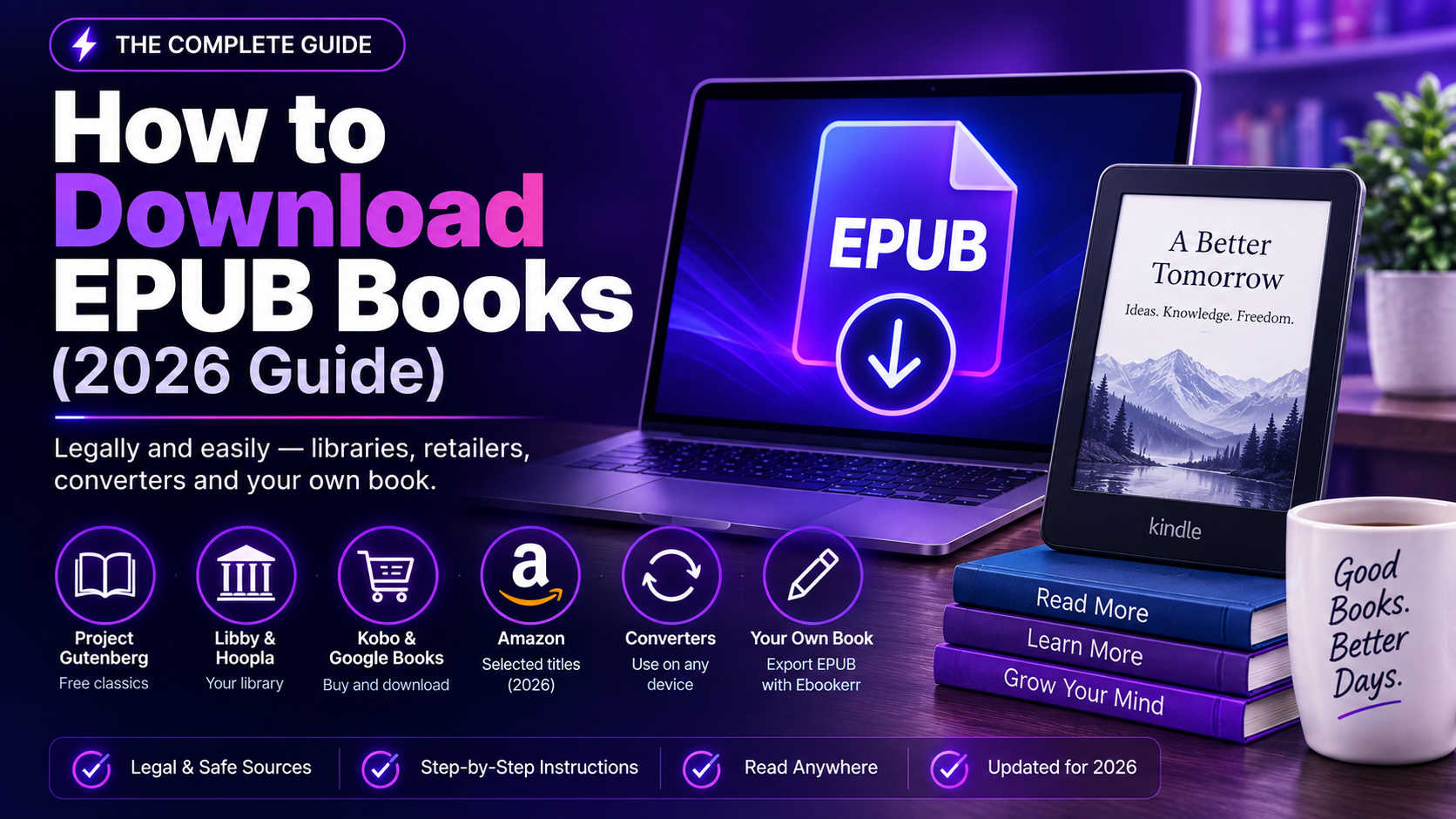
Free, legal EPUB downloads are available from public domain libraries like Project Gutenberg and Standard Ebooks, and from a public library’s Libby or Hoopla app for current releases. Purchased EPUBs come from Kobo, Google Play Books, Apple Books, and — since January 2026 — even Amazon, which now lets verified buyers download a DRM-free EPUB for select Kindle titles. Once downloaded, an EPUB opens in Apple Books, Google Play Books, Calibre, or any dedicated EPUB reader app, and can even be sent to a Kindle directly, since Kindle has read EPUB natively since 2023.
Anyone who has written their own book, rather than downloading someone else’s, can skip all of this — a platform like Ebookerr exports a finished manuscript as a ready-to-download EPUB file directly.
Anyone learning how to download EPUB books usually starts from one of two very different needs: finding something free and legal to read, or figuring out where a specific purchased or borrowed title’s file actually lives once “buy” or “borrow” has been clicked. This guide covers both, along with what to do with the file once it’s downloaded and the safety issues worth knowing about.
Why EPUB Is the Format Worth Downloading
EPUB is the open, reflowable ebook format supported by nearly every reading app and device except, historically, Kindle — and even that exception ended in 2023, when Amazon retired MOBI support for personal documents and made EPUB the standard format Kindle reads natively. Unlike a fixed-layout PDF, EPUB text reflows to fit any screen size, respects font and size preferences set by the reader, and remains the most broadly compatible choice for anyone downloading a book to read across more than one device or app.
How to Download EPUB Books on Different Devices
The mechanics of how to download EPUB books shift slightly depending on the device involved. On a Windows or Mac computer, downloading typically means clicking a “Download EPUB” or similar link, which saves the file to the default downloads folder, ready to open in Calibre or Apple Books. On Android, downloads from a browser or an app like Libby usually land in the device’s Files app or Downloads folder, and Google Play Books can import EPUB files directly from local storage. On iPhone or iPad, downloaded EPUB files usually route through the Files app or open directly into Apple Books via a share-sheet “Open in Books” option, skipping a visible download step entirely. Kindle devices are the one exception worth flagging: since Kindle doesn’t browse the open web for downloads the way a computer does, getting an EPUB onto a Kindle means using Send to Kindle (email, app, or web) rather than a direct in-browser download, even though the device now reads the format natively once the file arrives.
Free and Legal EPUB Downloads
There’s no shortage of places to learn how to download EPUB books without spending anything, as long as the source is legitimate rather than one of the piracy-adjacent aggregator sites covered further down.
Project Gutenberg offers more than 70,000 public domain titles as direct EPUB downloads, with no account or sign-up required — a search, a click, and the file lands in the browser’s downloads folder ready to open.
Standard Ebooks takes the same public domain source material and re-produces it with modern, carefully proofread formatting, which is worth the extra step for anyone who finds Gutenberg’s plainer files less polished.
Open Library, run by the Internet Archive, extends beyond the public domain through “controlled digital lending,” offering EPUB downloads of newer, still-copyrighted titles on a one-reader-at-a-time basis, similar to how a physical library lends a single copy.
ManyBooks and Feedbooks curate public domain EPUB catalogs into more browsable, genre-organized storefronts.
Downloading EPUBs Through a Library App
For anyone whose version of how to download EPUB books needs to include current releases rather than only classics, public libraries have become one of the most reliable legal routes. Libby, connected to an existing library card, delivers a full EPUB download (visible in the app, and exportable to other EPUB readers in many cases) for a set loan period, after which the file automatically expires and stops opening. Hoopla works similarly, often without the hold queues Libby can have for popular titles, subject to monthly borrowing limits set by the library.
It’s worth understanding that most library-loaned EPUBs carry DRM (digital rights management) tied to the loan period, which is different from a permanently owned file — the download exists locally, but it’s licensed for temporary use rather than indefinite ownership.
Downloading Purchased EPUBs From Retailers
For anyone who has already bought a book rather than borrowed or found a free one, how to download EPUB books from a retailer directly depends on which store made the sale.
Kobo delivers EPUB downloads directly for most purchases, and because Kobo’s ecosystem is EPUB-native from the ground up (unlike Amazon’s historically Kindle-specific formats), it’s often the simplest retailer to download a clean EPUB file from.
Google Play Books and Apple Books both support EPUB downloads for purchased titles, generally accessible through each platform’s own desktop or web interface rather than a generic “download” button inside the mobile app.
Independent author platforms like Payhip, Gumroad, and BookFunnel deliver EPUB files directly from the author or publisher, often alongside PDF and MOBI alternatives in the same download link.
Amazon is the newest and most surprising addition to this list. As of January 20, 2026, Amazon allows verified purchasers to download a DRM-free EPUB or PDF copy of specific Kindle titles — found under “Digital Content” via a “Download EPUB/PDF” option — but only for titles a publisher has specifically opted into offering DRM-free. Most major publishers haven’t yet enabled this, and there’s currently no way to check eligibility before buying, so it’s a bonus on select titles rather than a universal option.
Opening a Downloaded EPUB File
The second half of how to download EPUB books is actually opening the file once it’s sitting in a downloads folder, and several apps can do that depending on the device in use. Apple Books opens EPUB files natively on Mac and iOS with a simple double-click or “Open With” selection. Google Play Books accepts EPUB uploads on Android and through its web interface. Calibre, free desktop software available on Windows, Mac, and Linux, remains the most flexible general-purpose EPUB reader and library manager, especially useful once a downloaded collection grows beyond a handful of files. Adobe Digital Editions is still required for opening some DRM-protected library loans that use Adobe’s specific DRM system rather than a platform-native one. And, notably, a downloaded EPUB can now be sent straight to a Kindle device or app using Amazon’s Send to Kindle email or web tool, since Kindle reads EPUB natively rather than requiring conversion to its older proprietary formats first.
Converting Other Formats to EPUB
Not every source delivers an EPUB directly. A manuscript in Word format, an old MOBI file, or a scanned PDF often needs conversion first, and Calibre handles the vast majority of these conversions in a couple of clicks — DOCX, RTF, TXT, and MOBI all convert to EPUB reliably in most cases, though heavily formatted documents (tables, footnotes, unusual layouts) occasionally need manual cleanup afterward to avoid a garbled result.
Staying Safe While Downloading EPUB Books
Anyone searching how to download EPUB books quickly notices the results are unfortunately full of low-quality aggregator sites offering pirated files wrapped in intrusive ads, fake “download” buttons that install unwanted software, and files with extensions other than .epub, .pdf, or .mobi disguised as ebooks. Sticking to the legitimate sources above, verifying a file’s extension before opening it, and treating any site that demands payment information “just to unlock” a supposedly free download as a red flag are the simplest ways to avoid a bad outcome.
Frequently Asked Questions
Can a downloaded EPUB be read without any special software? Not quite — EPUB is a structured file format rather than plain text, so it needs an EPUB-compatible reader such as Apple Books, Google Play Books, Calibre, or a dedicated e-reader app, though nearly every modern device has at least one such option available for free.
Is it legal to download EPUB books for free? Yes, when the source is legitimate — public domain archives, library lending apps, and publisher or author giveaways are all fully legal. Torrent sites and unofficial “free download” aggregators hosting copyrighted material without permission are not, and often carry malware risk on top of the legal issue.
Why does a downloaded library EPUB stop opening after a few weeks? Library loans through Libby or Hoopla are time-limited and DRM-protected, so the file automatically expires at the end of the loan period even though it remains on the device — this is expected behavior, not a bug or a corrupted download.
Can an EPUB downloaded from one store be read in another store’s app? DRM-free EPUBs can generally be opened anywhere, but most retailer purchases (Kindle titles without the new DRM-free option, most Kobo purchases, etc.) are locked to that platform’s own app or ecosystem.
What’s the difference between downloading an EPUB and downloading a PDF? EPUB text reflows to fit the screen and reader preferences, while a PDF keeps a fixed page layout that matches the original print design — EPUB is generally more comfortable for long-form reading, while PDF is better for content where exact layout (charts, diagrams, complex formatting) matters.
Why won’t a downloaded EPUB open at all? A file that won’t open is usually either corrupted mid-download, mislabeled with a .epub extension despite being a different format entirely, or DRM-protected in a way the chosen reader app doesn’t support — redownloading the file or trying it in Calibre, which handles a wider range of EPUB variants than most single-purpose apps, resolves most of these cases.
Is there a way to download EPUB books in bulk? Calibre supports batch downloads and conversions from several public domain and open sources through its plugin system, and some library systems allow multiple simultaneous loans depending on account limits, but most retailer purchases still need to be downloaded one title at a time through each platform’s own interface.
The Easiest EPUB Download of All: Your Own Book, From Ebookerr
Everything above is about finding and downloading someone else’s book. But there’s a much simpler version of this same question for anyone who has written — or is thinking about writing — an ebook of their own: Ebookerr lets a writer download their finished book as a clean, properly structured EPUB file the moment it’s done, with no separate conversion step, no DRM, and no dependency on a retailer’s export policy.
Ebookerr is an AI-powered ebook creation platform that drafts chapters from an outline, applies professional design templates, generates a cover, and then exports the finished manuscript as EPUB, PDF, or Word — the EPUB export in particular is built to open cleanly in Apple Books, Google Play Books, Calibre, and Kindle alike, avoiding the formatting problems that plague EPUBs built from a basic word processor. The free trial allows up to three complete ebooks with no credit card required, so testing the whole process — write, design, download the EPUB — costs nothing to try.
Want an EPUB download that’s actually yours from the start? Start free on Ebookerr and download your first finished ebook as an EPUB — three ebooks on the house, no credit card needed.
The Short Version
In the end, knowing how to download EPUB books legally comes down to a short list: public domain archives like Project Gutenberg and Standard Ebooks for classics, a library card and Libby for current releases, and retailers like Kobo, Google Play Books, and increasingly Amazon for purchases. Once a file is downloaded, Calibre or a platform-native reader app opens it in seconds, and Kindle’s own native EPUB support means the format works nearly everywhere at this point. And for anyone whose next EPUB download should really be a book they wrote themselves, that’s the one file that doesn’t need to be found anywhere — it just needs to be exported.