⚡ Quick answer
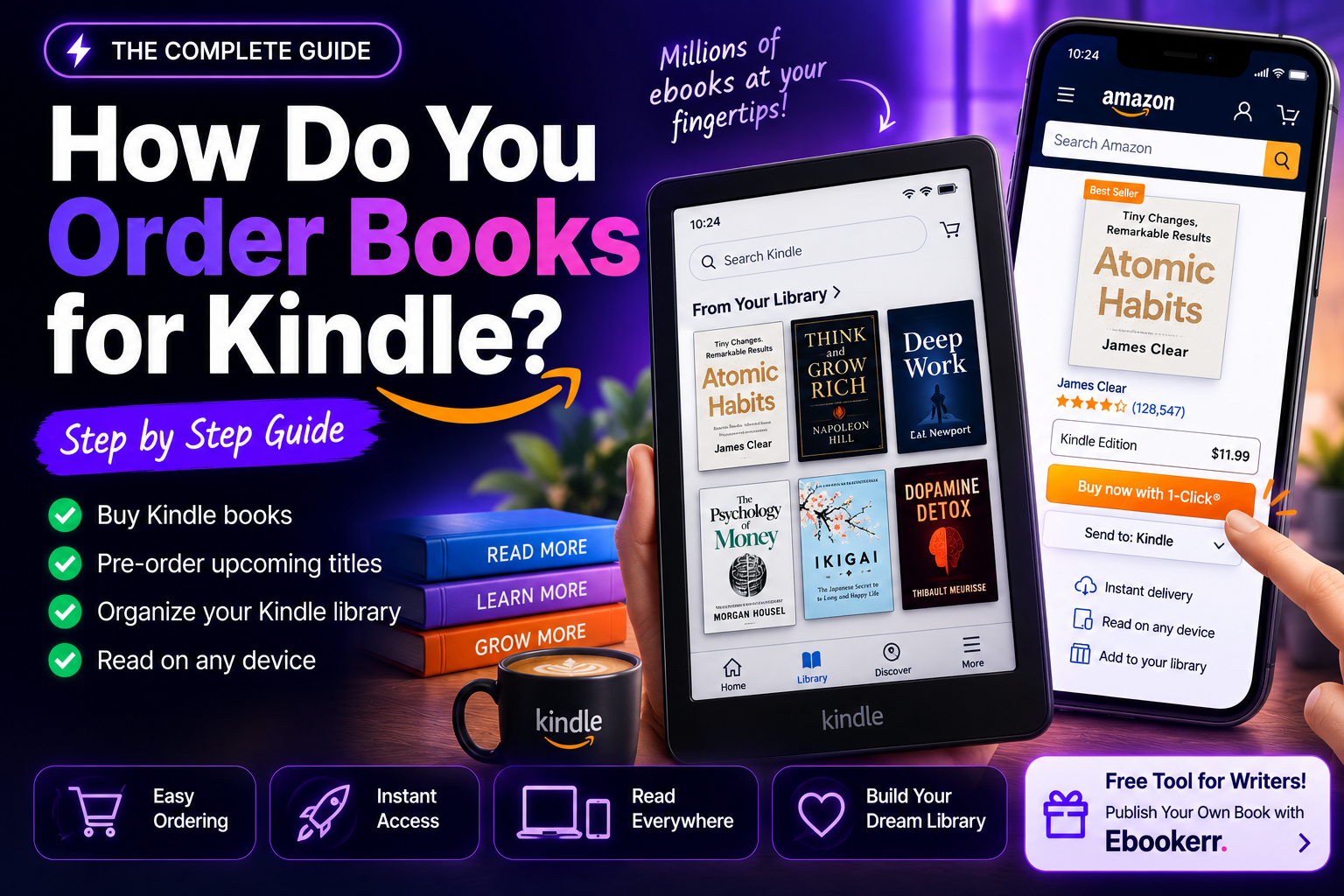
To buy an ebook on Amazon, search the Kindle Store for the title, select the format if more than one is offered, and click “Buy Now with 1-Click” (or “Add to Cart” to review the order first) — no Kindle device is required, since the free Kindle app on any phone, tablet, or computer opens the purchase immediately. Payment goes through whatever card or Amazon gift balance is already on file. As of January 2026, purchasers of participating DRM-free titles can also download an EPUB or PDF copy under “Digital Content” in their account, in addition to reading through Kindle apps as before.
Anyone new to digital reading, or buying a gift for someone who is, usually has the same handful of questions about how to buy an ebook on Amazon: whether a Kindle device is required, how gifting works, what happens if the wrong title gets purchased by mistake, and why some books show as unavailable. This guide walks through the full process end to end, plus the details that trip up first-time buyers most often.
Step 1: Find the Book in the Kindle Store
Every ebook on Amazon lives in the Kindle Store, searchable the same way as any other product — through the search bar on Amazon’s website or app, or by browsing Kindle Store categories directly. Each book’s product page shows the Kindle price separately from any paperback or hardcover options, and clicking “Kindle Edition” (or a similar toggle near the top of the listing) switches the page to show ebook-specific pricing and details.
It’s worth checking the price and edition carefully before buying — some listings bundle several formats, some show a Kindle Unlimited badge instead of a purchase price for eligible subscribers, and a handful of older, heavily revised titles have multiple separate Kindle listings for different editions.
Step 2: Complete the Purchase
This is the core of how to buy an ebook on Amazon, and it takes one of two paths depending on the account’s settings:
“Buy Now with 1-Click” completes the purchase instantly using the default payment method and delivers the ebook to all registered devices and apps within moments — this is the default button on most Kindle Store listings for anyone who has 1-Click ordering enabled.
“Add to Cart” or “Buy for later” adds the title to a standard shopping cart for review before checkout, useful for anyone who wants to double-check the price, format, or bundle contents, or who wants to combine the purchase with other items first.
Either path uses whatever payment method — a credit card, debit card, or Amazon gift card balance — is set as default on the account, and gift balance is applied automatically before any card on file is charged.
Buying an Ebook Without Owning a Kindle Device
A common misconception that comes up in how to buy an ebook on Amazon is that a physical Kindle e-reader is required. It isn’t. The free Kindle app, available for iOS, Android, Windows, Mac, and as a browser-based web reader, opens any purchased ebook on a phone, tablet, or computer with full syncing of reading progress, bookmarks, and highlights across every device signed into the same account. Buying through Amazon’s website or app and reading through the Kindle app is a completely standard way to read Kindle books without ever purchasing a dedicated device.
Trying Before Buying: Free Samples
One step often skipped in how to buy an ebook on Amazon guides is the free sample. Most Kindle Store listings include a “Send a Free Sample” button alongside the purchase options, which delivers the opening chapter or two directly to the Kindle app or device at no cost. This is worth using more often than it typically is — a sample reveals writing style, formatting quality, and pacing far better than reviews alone, and it uses the exact same delivery method as a full purchase, so there’s no separate setup involved. When the sample ends and reading continues, Kindle prompts a one-tap purchase of the full book without needing to search for it again.
Gifting an Ebook to Someone Else
Kindle ebooks can be sent as gifts directly from most product pages, typically through a “Give as a Gift” or three-dot menu option near the buy buttons. The recipient gets an email or notification with a redemption link, and the book is added to their own Kindle library once accepted — the sender never needs the recipient’s Kindle email address or account details, and unredeemed gifts can generally be canceled and refunded if they go unclaimed.
Using Kindle Unlimited Instead of Buying
Before working through the usual steps for how to buy an ebook on Amazon, it’s worth checking whether a title is included in Kindle Unlimited for anyone reading heavily — the subscription includes access to over a million titles for a flat monthly fee, and books already in the library show a “Read for $0.00” option for subscribers instead of a purchase price. Kindle Unlimited access is a loan rather than a purchase, though, so a book removed from the catalog or a canceled subscription ends access to titles read that way, unlike a standard purchase.
Why Some Ebooks Aren’t Available to Buy
A frequent frustration in how to buy an ebook on Amazon involves regional publishing rights: a title fully available in the US Kindle Store sometimes shows as unavailable, or priced differently, in other country stores, because publishers license ebook distribution rights on a country-by-country basis, and Amazon can’t sell a title where it doesn’t hold that license. Changing the Kindle account’s registered country (available under “Country/Region Settings” in account preferences, with some restrictions on how often it can be changed) can resolve this in some cases, though it also shifts which store’s catalog and currency apply to future purchases.
It’s also worth knowing that Amazon operates entirely separate storefronts for different regions — Amazon.com, Amazon.co.uk, Amazon.de, and others each maintain their own Kindle catalog, pricing in local currency, and account balance. A Kindle library and purchase history don’t automatically merge across these separate storefronts, so someone who has bought books on both Amazon.com and Amazon.co.uk over the years may need to check both accounts to find a specific past purchase.
After Buying: Accessing and Downloading the Ebook
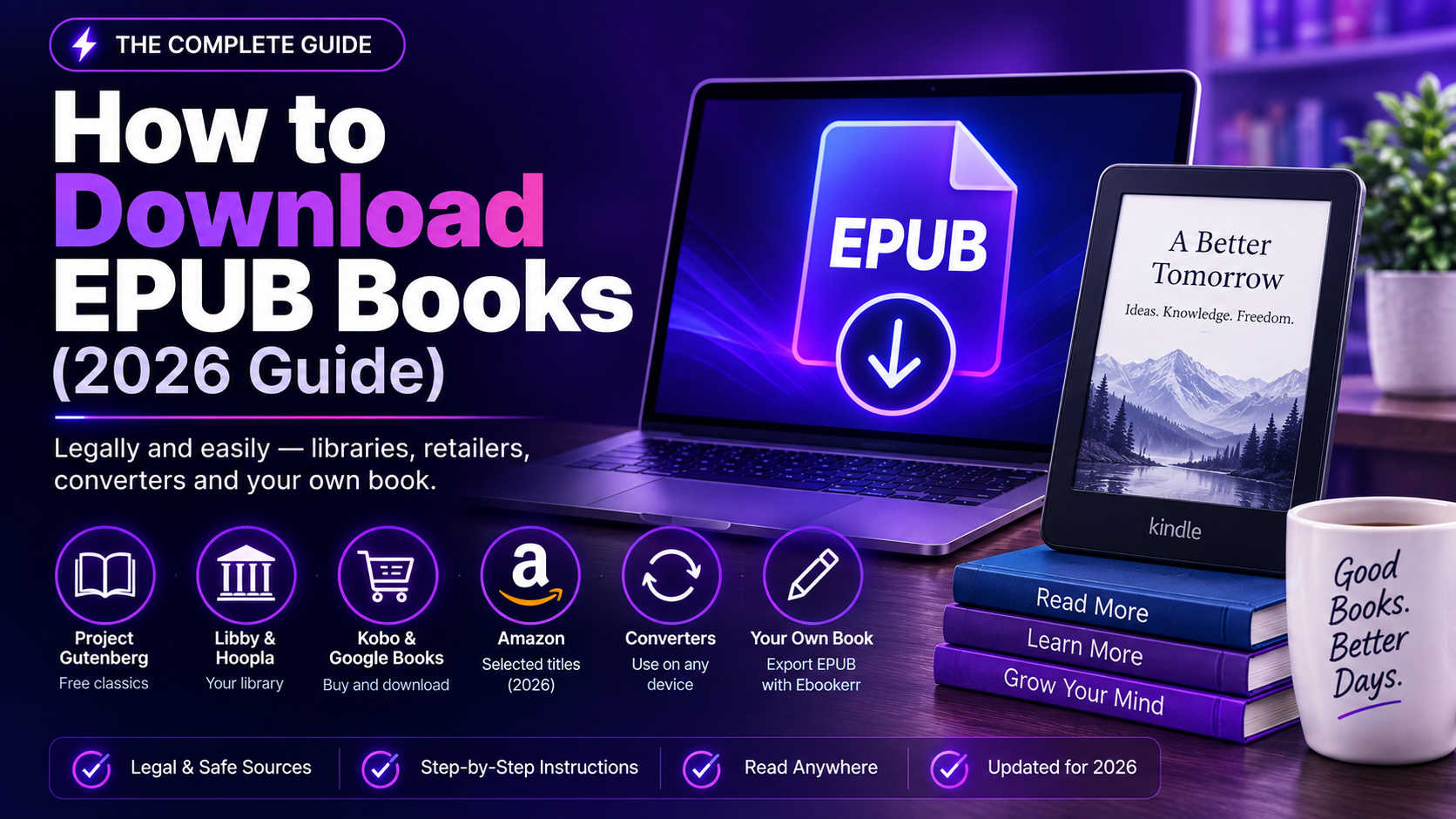
Once a purchase completes, the book appears immediately under “Content & Devices” in the Amazon account and syncs automatically to any registered Kindle device or app connected to Wi-Fi. For readers who want the file itself rather than just app-based access, a meaningful change arrived on January 20, 2026: Amazon began allowing verified purchasers of specific DRM-free titles to download an EPUB or PDF copy directly, found under “Digital Content” via a “Download EPUB/PDF” option under “More Actions.” This only applies to titles a publisher has specifically opted into offering DRM-free — most major publishers haven’t yet — and there’s currently no way to see whether a given book qualifies before completing the purchase, so it remains a bonus rather than something to count on for any specific title.
Fixing a Mistaken Purchase
Amazon allows Kindle ebook returns within a limited window — typically seven days of purchase — through “Content & Devices” by selecting the title and choosing “Return for Refund.” This covers the ordinary mistakes: buying the wrong edition, buying a title already owned, or simply changing one’s mind shortly after purchase. Refunds are generally not available once a large portion of the book has been read, and repeated returns on the same account can eventually trigger a review by Amazon, so it’s a safety net rather than something to rely on routinely.
Frequently Asked Questions
Is a credit card required to buy a Kindle ebook? A payment method is needed unless the entire purchase is covered by an Amazon gift card balance already loaded onto the account, in which case that balance is applied automatically before any card is charged.
Can an ebook be bought on Amazon without the Kindle app? The purchase itself happens through Amazon’s regular website or app, but reading the book afterward requires either a Kindle device or the free Kindle reading app, since Amazon’s ebook files aren’t opened through a generic PDF or EPUB viewer without that DRM-free download option becoming available for a given title.
Why does a book show a different price than expected? Kindle prices can vary by promotional pricing, regional licensing agreements, or a temporary limited-time deal — comparing the price shown on the actual product page (rather than a cached search result or third-party site) gives the accurate, current figure.
Can a purchased ebook be shared with a family member? Amazon Household allows two adults on the same account structure to share most Kindle purchases across their individual libraries, subject to publisher restrictions on certain titles, which is different from gifting a separate copy outright.
Does buying an ebook include lending it to others? Some, but not all, Kindle titles support the publisher-enabled lending feature, which allows a one-time loan of a purchased book to another reader for a limited period — this option appears on the book’s Amazon page under “Actions” only when the publisher has enabled it.
Does a Kindle purchase work on more than one device? Yes — a single Kindle ebook purchase syncs to every device and app registered to that Amazon account, whether that’s one Kindle e-reader and two phones, or five devices across a household, with reading progress and highlights kept in sync through Amazon’s Whispersync feature.
What happens to purchased ebooks if an account is closed? Kindle purchases are tied to the Amazon account under a personal-use license rather than transferred as a standalone file in the traditional sense, so closing an account can mean losing access to that library — a good reason to keep account recovery details current and avoid maintaining Kindle purchases on an account intended to be temporary.
From Buyer to Author: Writing an Ebook of Your Own
Plenty of people who spend time working out how to buy an ebook on Amazon are also, at some point, curious about the other side of that transaction — what it actually takes to write and publish one. The gap between those two roles is smaller than it looks, especially now that AI tools handle much of the heavy lifting that used to require hiring a ghostwriter, a designer, and a cover artist separately.
Ebookerr is an AI-powered ebook creation platform built for exactly that transition: it drafts chapters from an outline, applies professional design templates, generates a cover, and exports a finished EPUB, PDF, or Word file ready to publish through Amazon KDP or sell directly. Its free trial allows up to three complete ebooks with no credit card required, which is enough to test the entire process — from blank page to a file ready for the Kindle Store — before deciding whether to invest further.
Curious what it takes to publish the next ebook someone buys on Amazon? Start free on Ebookerr — three ebooks on the house, no credit card needed.
A Note on Buying Ebooks From Outside Amazon’s Own Store
Amazon isn’t the only place selling Kindle-compatible content — some publishers and authors sell ebooks directly and deliver them in formats compatible with Kindle apps, and Amazon’s own affiliate and referral programs allow other websites to link out to a Kindle Store purchase page. Regardless of where the initial link is clicked, the actual transaction for a Kindle edition always completes on Amazon’s own checkout, using the same account, payment method, and library sync described throughout this guide — there’s no alternate “Kindle-compatible” purchase flow happening outside Amazon’s own systems for genuine Kindle editions.
The Short Version
Learning how to buy an ebook on Amazon really comes down to finding the Kindle edition on the product page, choosing 1-Click or cart checkout, and reading through the free Kindle app on whatever device is at hand — no dedicated e-reader required. Gifting, Kindle Unlimited, regional availability, and the new DRM-free download option for select titles are the details worth knowing on top of that basic flow, and the seven-day return window covers most simple mistakes along the way.