⚡ Quick answer
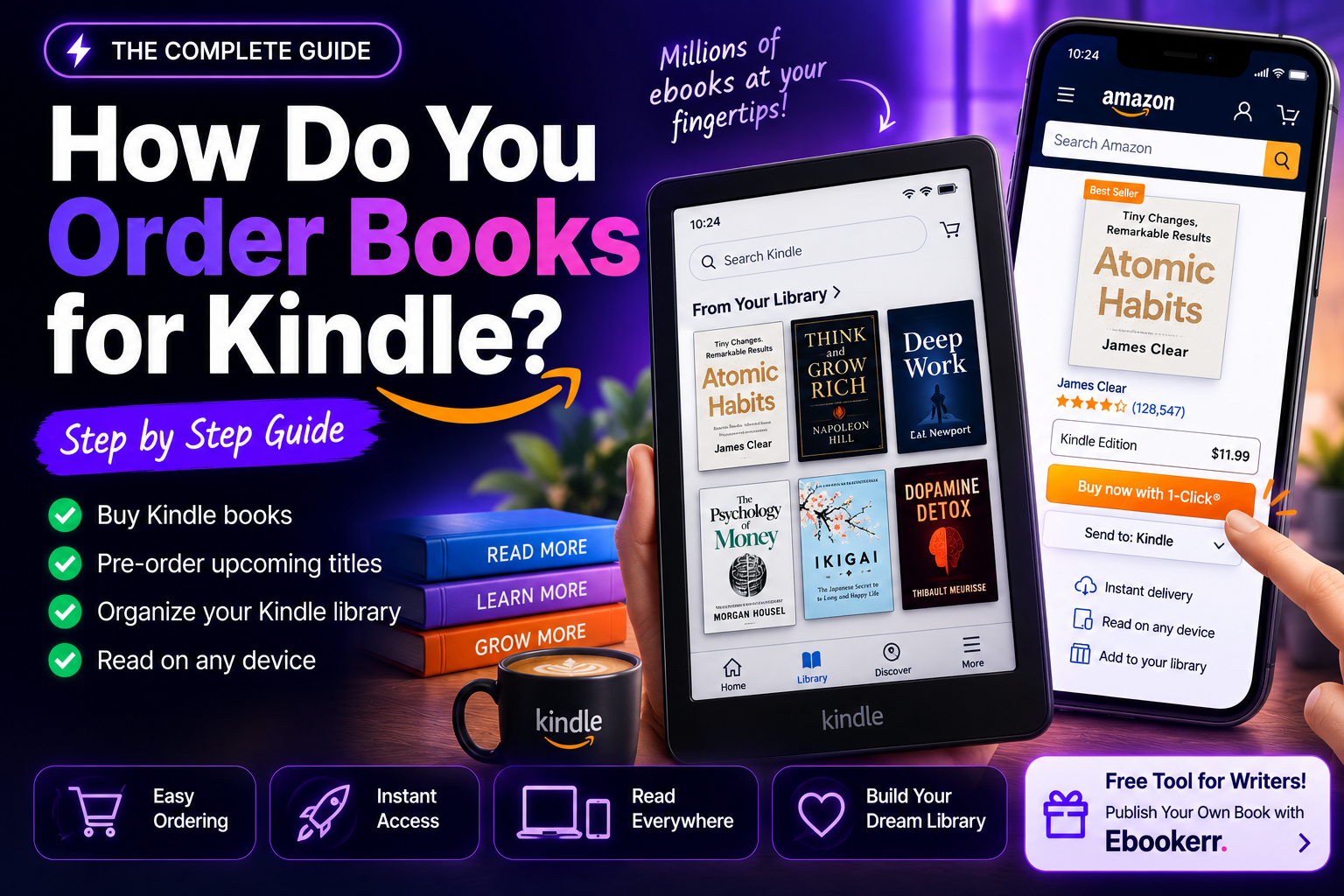
To order a book for Kindle, find the title in the Kindle Store, choose “Buy Now with 1-Click” or add it to the cart, and it downloads automatically to every registered device and app — no dedicated Kindle e-reader required, since the free Kindle app works on phones, tablets, and computers too. Upcoming titles can be pre-ordered the same way and are covered by Amazon’s Pre-Order Price Guarantee, which charges the lowest price offered between the order date and release day. Separately, “ordering” a Kindle library — sorting existing books by title, author, or most recent — is handled through the library view’s sort menu and Collections feature, not the purchase flow at all.
The phrase how do you order books for Kindle actually covers two different questions, and it’s worth untangling them before diving in: most people mean placing a purchase (or pre-order) for a new title, while a smaller number are asking how to sort or arrange the books already sitting in their library. This guide answers both, plus the pre-order details and library organization tricks that don’t get covered often enough.
Ordering a Book for Kindle: The Basic Steps
Every Kindle purchase starts in the Kindle Store, searchable through Amazon’s website, the Kindle app, or a Kindle device’s own store interface. Once the right title and edition are found, two paths complete the order:
“Buy Now with 1-Click” places the order immediately using the default payment method on file, and the book downloads within moments to every device and app registered to that Amazon account.
“Add to Cart” holds the title for review before checkout, useful when comparing prices, double-checking the edition, or planning to combine the order with something else.
Either way, no Kindle device is strictly required — the free Kindle app for iOS, Android, Windows, Mac, or the web opens any ordered book immediately, with reading progress synced across every device signed into the account.
Ordering Directly From a Kindle Device
For anyone wondering how do you order books for Kindle without touching a phone, tablet, or computer at all, most Kindle e-readers include a built-in store accessible from the home screen or a shopping-cart icon in the menu bar. Browsing, searching, and ordering all happen directly on the device using its touchscreen or navigation buttons, and a completed order downloads over Wi-Fi within moments, exactly as it would from the website or app. This on-device store is convenient for casual browsing but tends to load more slowly and offer thinner search filtering than the full website, so many frequent buyers still prefer ordering from a browser or the phone app and letting the purchase sync to the device automatically.
How to Pre-Order a Kindle Book
This is where the word “order” in how do you order books for Kindle takes on a more literal meaning: pre-ordering an upcoming release before its publication date. Pre-order listings appear in the Kindle Store just like any other book, marked with an expected release date instead of an immediate “Buy Now” option — selecting “Pre-order with 1-Click” locks in the order, and the book downloads automatically to registered devices the moment it releases, typically overnight before the release date in most time zones.
Kindle pre-orders carry a genuine financial benefit worth knowing about: Amazon’s Pre-Order Price Guarantee automatically charges whichever price is lowest between the date the order was placed and the official release date. A reader who pre-orders at $14.99 and later sees the price drop to $9.99 before launch pays the lower amount without needing to cancel and reorder — the adjustment happens automatically. Canceling a Kindle pre-order at any point before release is also possible, without any fee, through “Content & Devices” in account settings.
For books that haven’t opened pre-orders yet, following an author’s Amazon page (through the “Follow” button on their author profile) triggers a notification once a pre-order does become available, which is often the only advance warning a reader gets for a smaller or independent release that doesn’t get wide marketing attention ahead of launch.
Ordering Kindle Books for Someone Else’s Library
A related version of how do you order books for Kindle comes up when the goal is adding a book to someone else’s account rather than a personal library — a spouse, a child, or another household member. Amazon Household allows two adults to share most Kindle purchases and Prime benefits across separate accounts and libraries, which is different from gifting: a Household purchase becomes available to both linked libraries automatically, while a gift is sent as a one-time redemption to a specific recipient regardless of whether the accounts are otherwise linked. Choosing between the two depends on whether ongoing shared access or a one-time gift is the actual goal.
Common Mistakes When Ordering Kindle Books
A handful of avoidable mistakes account for most order-related frustration. Ordering the wrong edition — a heavily abridged version, a different translation, or a study-guide companion instead of the actual novel — happens most often when a search returns several similarly titled listings, so checking the publisher and description before confirming an order is worth the extra few seconds. Assuming 1-Click is reversible mid-purchase is another: the order completes instantly rather than waiting in a cart, so double-checking the price and title before clicking matters more with 1-Click enabled than with a standard cart checkout. Finally, confusing a Kindle Unlimited “borrow” with a permanent order trips up new subscribers regularly, since a borrowed title disappears from the library if the subscription lapses, unlike anything ordered and paid for directly.
How to Order (Sort) an Existing Kindle Library
The second, less common meaning behind how do you order books for Kindle is about arranging books already owned rather than buying new ones. The Kindle app and device library both include a sort menu — usually labeled “Recent,” “Title,” “Author,” or similar — that reorders the entire visible library instantly without moving or deleting anything.
Collections (sometimes called “Series” or folder-style groupings depending on the app version) let readers manually group books by genre, series, or any custom category, which functions as a more permanent organizing method than the sort menu alone. Series purchased directly through Amazon often auto-group under a series title already, while collections built manually require adding each book individually the first time.
For anyone with a large library built up over years, combining both tools works best: sort by “Recent” to find something just downloaded, and rely on manually built collections for long-term organization by genre or project.
Ordering Through Kindle Unlimited Instead of Buying Individually
Not every book needs to be ordered and paid for individually. Kindle Unlimited, Amazon’s ebook subscription, includes over a million titles for a flat monthly fee, and eligible books show a “Read for $0.00” option in place of a purchase price. This isn’t technically an “order” in the same sense — access is a subscription-based loan rather than a permanent purchase, so titles removed from the Kindle Unlimited catalog or access following a canceled subscription behave differently than a standard order that stays owned indefinitely.
Ordering a Kindle Book as a Gift
Most Kindle Store listings include a “Give as a Gift” option near the standard order buttons, which sends the recipient a redemption email or notification rather than depositing the book directly into the sender’s own library. The recipient accepts the gift and it’s added to their Kindle library at that point — the sender doesn’t need the recipient’s Kindle email address, account password, or any technical details to complete the order.
Fixing a Mistaken Order
A version of how do you order books for Kindle that comes up after the fact, rather than before, is fixing an order gone wrong. Amazon allows Kindle ebook orders to be returned within a limited window — typically seven days from the order date — through “Content & Devices,” selecting the title, and choosing “Return for Refund.” This covers the ordinary situations: an accidentally duplicated order, the wrong edition, or a simple change of mind shortly after ordering. Refunds generally aren’t available once a substantial portion of the book has been read, and it’s meant as an occasional correction rather than a routine safety net.
Frequently Asked Questions About Ordering Kindle Books
Do you need a credit card to order a Kindle book? A payment method is required unless the order is fully covered by an existing Amazon gift card balance, which is applied automatically ahead of any card on file.
Can a Kindle book be ordered without owning a Kindle device? Yes — ordering happens through Amazon’s website or app regardless of device, and the free Kindle reading app on a phone, tablet, or computer opens the book immediately afterward.
What happens if a pre-ordered book’s release date changes? The order stays in place automatically; the book simply downloads on whatever the new release date turns out to be, with no action required from the person who placed the order.
Is there a limit to how many books can be ordered for Kindle at once? There’s no meaningful limit on separate orders, though very large simultaneous cart purchases can occasionally trigger a standard fraud-prevention review on the account, which typically resolves quickly.
How is “ordering” a book different from “adding” it to a Kindle Unlimited library? Ordering (buying or pre-ordering) results in permanent ownership tied to the account, while a Kindle Unlimited “borrow” is a subscription-based loan that ends if the subscription lapses or the title leaves the catalog.
Can an order be placed for a Kindle book while traveling internationally? Generally yes, though the specific catalog, pricing, and currency shown depend on which country’s Amazon store the account is registered to, and some titles are unavailable in certain countries due to regional publishing rights rather than anything related to the traveler’s current location.
Does ordering a Kindle book also add a physical copy to a wishlist? No — Kindle and print editions are typically listed as separate purchase options on the same product page, so ordering the Kindle edition only adds the ebook to the digital library, and a print copy would need to be ordered separately if both formats are wanted.
Once You’ve Ordered Enough Books, Consider Writing One
Everyone who spends enough time figuring out how do you order books for Kindle eventually runs into the same realization: a fair number of the books being ordered were written by ordinary people who decided to sit down and finish a manuscript, not exclusively by professional authors with publishing deals. The distance between ordering books and publishing one has shrunk considerably now that AI tools handle much of the heavy lifting.
Ebookerr is an AI-powered ebook creation platform built for exactly that jump: it drafts chapters from an outline, applies professional design templates, generates a cover, and exports a finished EPUB, PDF, or Word file ready for Amazon KDP or direct sale. Its free trial allows up to three complete ebooks at no cost and without a credit card, enough to test the entire process from blank page to a file ready for other readers to order.
Curious what it takes to publish a book someone else orders for their Kindle? Start free on Ebookerr — three ebooks on the house, no credit card required.
The Short Version
How do you order books for Kindle comes down to three distinct actions depending on intent: buying a book outright through 1-Click or the cart, pre-ordering an upcoming release with the Pre-Order Price Guarantee protecting the price, or sorting an existing library through the sort menu and Collections rather than placing any new order at all. Between those three, nearly every question that starts with “how do I order” on Kindle has a straightforward answer.