Quick Answer ⚡
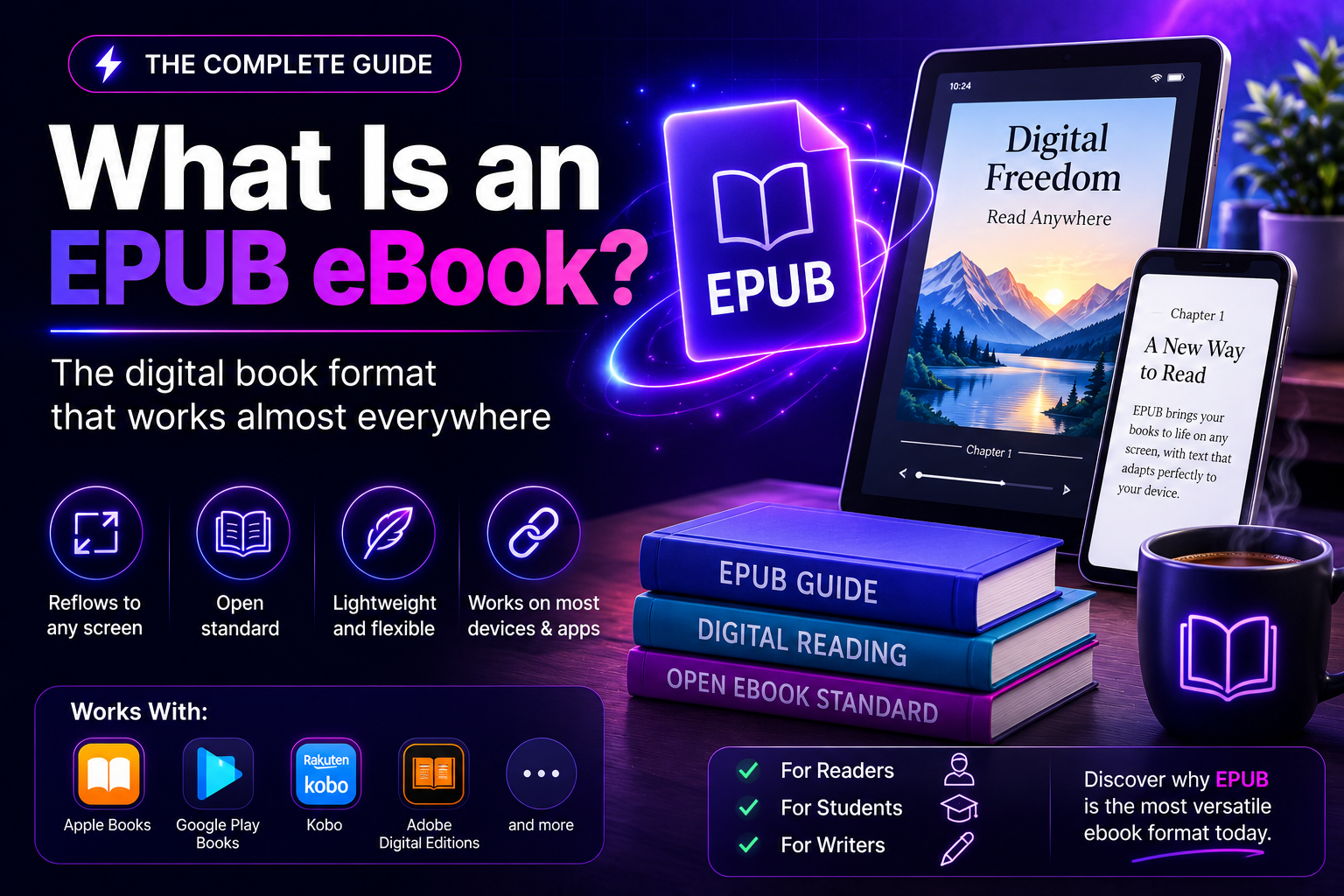
What is an EPUB ebook? It is a digital book file that reflows its text to fit almost any screen. It works on a phone, a tablet, or a dedicated e-reader. The format uses the .epub file extension. It is built from HTML, CSS, and XML files packed into a single container. It works on most reading apps and devices. The one notable exception is Kindle. Kindle e-readers need the file converted or sent through Amazon’s own system first. For readers and independent authors alike, EPUB is the closest thing the publishing world has to a universal ebook standard.
What Is an EPUB eBook, Exactly?
EPUB stands for “electronic publication.” It is an open, non-proprietary file format. It was designed specifically for books. It was built to solve a problem older digital formats never handled well: making text look good on screens of wildly different sizes.
A PDF is essentially a fixed photograph of a page. Zoom in on a phone and the words shrink along with everything else. That forces the reader to pinch, scroll, and squint. An EPUB ebook works differently. The text inside it reflows automatically. A paragraph that spans one line on a laptop might wrap across four lines on a phone. The reader never has to scroll sideways or fight the layout.
Underneath the hood, an EPUB file is really a small, self-contained website. Each chapter is an XHTML file. Styling comes from CSS. A table of contents and a metadata file tell reading apps how everything fits together. All of it gets zipped into one package with the .epub extension. From the reader’s point of view, it behaves like a single, simple file.
A Short History of the EPUB Format
The history of the format explains a lot about what is an EPUB ebook and why it still works so well today. The EPUB standard was first published in 2007 by the International Digital Publishing Forum. It replaced an earlier, clunkier format called Open eBook. The goal was straightforward: give the publishing industry one open format that any device or app could support, instead of forcing every retailer to invent its own.
That goal mostly succeeded. EPUB 2 became the workhorse format for over a decade. EPUB 3 followed in 2011 and has been refined ever since. It added support for embedded audio and video, better navigation, and stronger accessibility features. Today, EPUB 3 is the version most modern tools and stores expect. It is the one worth targeting when creating a new ebook.
The format is maintained by the World Wide Web Consortium, the same standards body behind HTML and CSS on the open web. That lineage is part of why EPUB has aged so well. It borrows directly from web technology that keeps improving, rather than relying on a format frozen in time. The most recent revision, EPUB 3.3, was published in 2023. It put a stronger emphasis on accessibility guidelines, aligning the format more closely with the standards screen-reader software already relies on.
Is “EPUB” the Same Thing as “Ebook”?
Not quite, and the distinction trips up plenty of new readers and writers. “Ebook” is a general term for any digital book, no matter what file type it happens to be. EPUB, MOBI, PDF, and Amazon’s proprietary AZW formats are all technically ebooks. Answering what is an EPUB ebook, then, mostly means pointing to one specific, well-defined file type within that broader category. It is built to a published standard rather than invented by a single company.
The mix-up is understandable. EPUB has become so dominant that people often use the two words interchangeably in casual conversation. In practice, that shorthand rarely causes confusion. Most ebooks sold outside Amazon’s own store are distributed in EPUB format anyway.
What’s Actually Inside an EPUB File
It helps to picture an EPUB file as a folder that has been zipped up and given a new extension. Inside that folder, a few things are always present. A mimetype file identifies the package as EPUB. A metadata file lists the title, author, language, and publication details. A navigation file builds the table of contents readers tap through. Then there are the content files themselves: one XHTML file per chapter or section, styled with CSS, plus any images, fonts, or embedded audio the book includes.
Because everything is built on open web standards, an EPUB file can include working hyperlinks and footnotes that jump to endnotes. It can also carry embedded fonts and even simple interactivity in EPUB 3. None of that requires special software to create once the underlying files are structured correctly. That is one reason the format has stayed popular with independent authors as well as major publishers.
EPUB vs. PDF vs. MOBI: How They Compare
Three formats dominate most conversations about ebooks, and each one serves a different purpose.
A PDF preserves an exact, fixed layout. That makes it ideal for anything where precise design matters, such as a workbook full of diagrams, a magazine spread, or a document meant to be printed. The tradeoff is poor readability on small screens, since nothing reflows.
MOBI was Amazon’s original Kindle format. It was built around the same reflow idea as EPUB but used its own proprietary structure. Amazon has since moved on to newer formats for its own devices. MOBI has largely been phased out in favor of Kindle-specific formats and, increasingly, EPUB support through Amazon’s conversion tools.
EPUB sits between the two. It offers the reflowable, screen-friendly reading experience of MOBI, plus the open standards and broad compatibility that PDF and MOBI both lack. For novels, non-fiction, and most self-published titles, EPUB is generally the better choice. It is the format most libraries, retailers, and reading apps expect by default.
Which Devices and Apps Open EPUB Ebooks
Support for EPUB is close to universal, with one well-known gap. Apple Books opens EPUB natively on iPhone, iPad, and Mac. Kobo e-readers use EPUB as their default format. Barnes & Noble’s Nook devices support it directly. On Android and desktop, free apps such as Google Play Books and Adobe Digital Editions handle EPUB without any extra steps. A free tool called Calibre can also open, organize, and convert EPUB libraries on any computer.
Kindle devices are the exception. Amazon’s e-readers were built around their own formats. A plain .epub file will not open on a Kindle by simply copying it over. The workaround is straightforward: Amazon’s Send to Kindle service converts EPUB files automatically when they’re emailed or uploaded to a Kindle library. The format gap ends up being more of a minor extra step than a real barrier. That single extra step is often the full answer to what is an EPUB ebook and why it does not open instantly on a Kindle. Readers who want the full walkthrough can follow this guide on how to transfer ebooks to Kindle for every method that still works.
Public libraries are another major channel worth knowing about. Lending apps such as Libby and OverDrive are used by thousands of libraries worldwide. They distribute borrowed titles almost exclusively as EPUB files with built-in digital rights management. That is why a library loan opens fine in Apple Books or on a Kobo, but needs that same extra conversion step on a Kindle.
Why So Many Readers and Publishers Prefer EPUB
Once the basics of what is an EPUB ebook are clear, the advantages become obvious too. A few practical advantages explain why EPUB has held onto its position as the default ebook format for so long.
Reflowable text is the biggest one. Font size, spacing, and layout all adjust to the screen. The same file looks right on a six-inch e-reader and on a large tablet, without any extra work from the reader.
Accessibility is another major strength. EPUB 3 was designed with screen readers, adjustable text sizing, and text-to-speech in mind. That makes it a genuinely better format for readers with visual impairments than a fixed-layout PDF.
File size matters too. EPUB compresses text-heavy content efficiently, so an entire novel typically takes up only a few megabytes. A modest phone or e-reader can hold thousands of titles at once.
Finally, EPUB is an open standard rather than something one company controls. That openness is why so many different retailers, libraries, and independent apps all support it. Readers are not locked into a single ecosystem.
How to Open an EPUB Ebook on Any Device
Knowing what is an EPUB ebook makes the next step easy: opening one. It usually takes just a couple of taps once the right app is installed. On a phone or tablet, downloading a free reading app like Apple Books, Google Play Books, or Kobo is normally all it takes. From there, opening the .epub file from downloads or a file manager finishes the job. On a computer, Calibre or Adobe Digital Editions works the same way. Most browsers will even prompt to open the file with a chosen reader automatically.
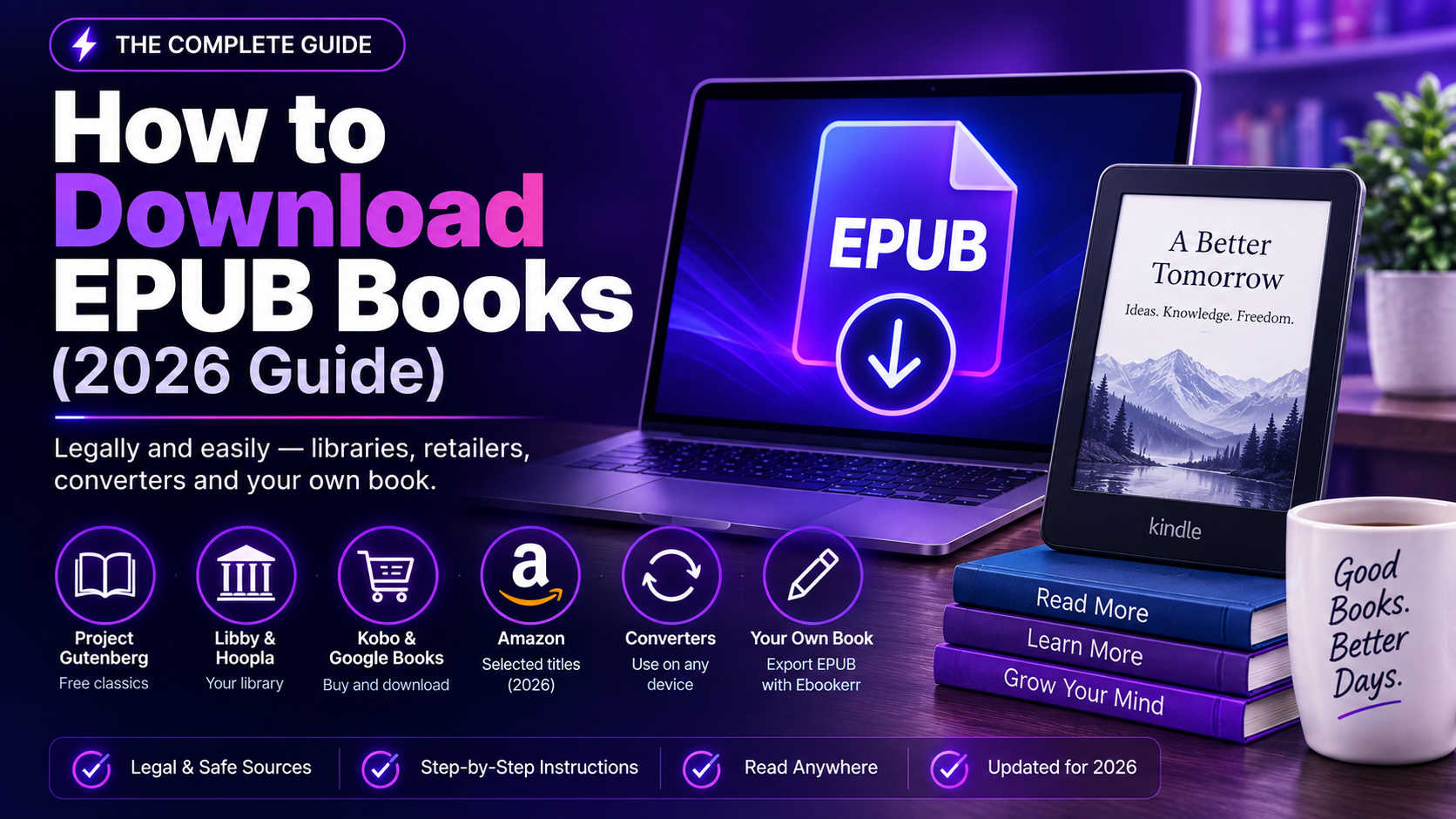
For anyone who wants a closer walkthrough, including where to find free and paid EPUB titles online, this guide on how to download EPUB books covers the process step by step, from picking a source to getting the file onto a specific device.
How to Create an EPUB Ebook
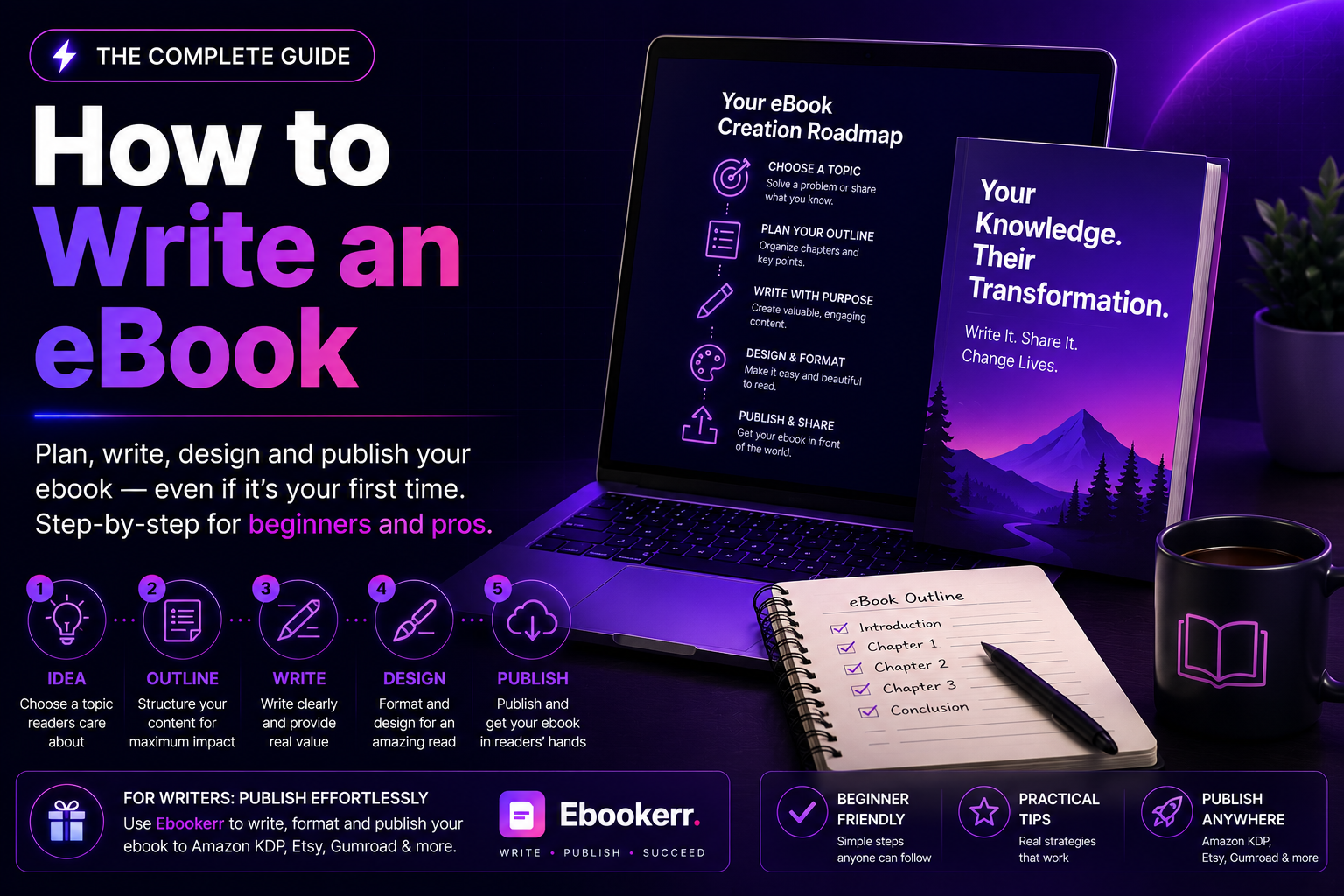
Writers who already understand what is an EPUB ebook are halfway to publishing one correctly. Those who want to publish one have more options today than ever, and the technical side has gotten much simpler. The manuscript still comes first. A clear structure, proper chapter breaks, and consistent formatting make the eventual conversion far smoother. This guide on how to write an ebook is a solid starting point for anyone building that manuscript from scratch.
Once the writing is done, the manuscript needs to become a properly structured EPUB file. That means a working table of contents, embedded metadata, and clean formatting that will not break on different devices. Doing that by hand means learning XHTML and CSS, which is more than most authors want to take on. Tools built for authors, including Ebookerr, handle that conversion automatically. They export a manuscript as a properly formatted EPUB 3 file alongside PDF and Word versions, with a clickable table of contents built in.
Getting the EPUB file right matters beyond just readability. Retailers and library platforms often run automated checks on submitted files. A poorly structured EPUB file can get flagged or rejected outright. Starting with a tool that builds standards-compliant files from the outset avoids that headache later.
Common Mistakes to Avoid With EPUB Files
Most of the mistakes below come from skipping a step, not from misunderstanding what is an EPUB ebook in the first place. A few missteps come up often enough to be worth flagging directly. Skipping a proper table of contents is one of the most common. Readers rely on it to navigate, and many stores require it for approval. Embedding oversized images is another mistake. It bloats the file and slows loading on older devices, without improving how the book looks.
Ignoring metadata is a quieter mistake with real consequences. Title, author, and language fields feed directly into how retailers and libraries display and categorize a book. Leaving them blank or inconsistent can hurt discoverability. Skipping a test read on an actual device before publishing is a mistake almost every author makes once. A file that looks fine in an editor can still display oddly on a specific app. A quick check on a phone or e-reader before publishing catches most formatting surprises early.
Authors planning to sell what they’ve created should also think ahead to distribution. A well-formatted EPUB ebook is the foundation, but getting it in front of readers is a separate step. This guide on how to sell ebooks walks through the options for independent authors once the file itself is ready.
Quick Recap: EPUB Ebooks in Plain English
In short, that answers what is an EPUB ebook: a reflowable, open-standard digital book file. It adapts to whatever screen it’s read on, built from the same web technologies behind HTML and CSS. It has been the industry’s default ebook format since 2007. It beats PDF for readability and MOBI for openness. It works on nearly every device and app apart from Kindle, which needs one extra conversion step.
For readers, that means picking up almost any EPUB title and knowing it will look right. It works the same whether it’s opened on a phone during a commute or a dedicated e-reader at night. For writers, it means a properly formatted EPUB file is one of the most important assets a self-published book can have. It is the format libraries, retailers, and reading apps expect by default. Understanding what the format is and how it works is the first real step toward reading, and eventually publishing, with confidence.